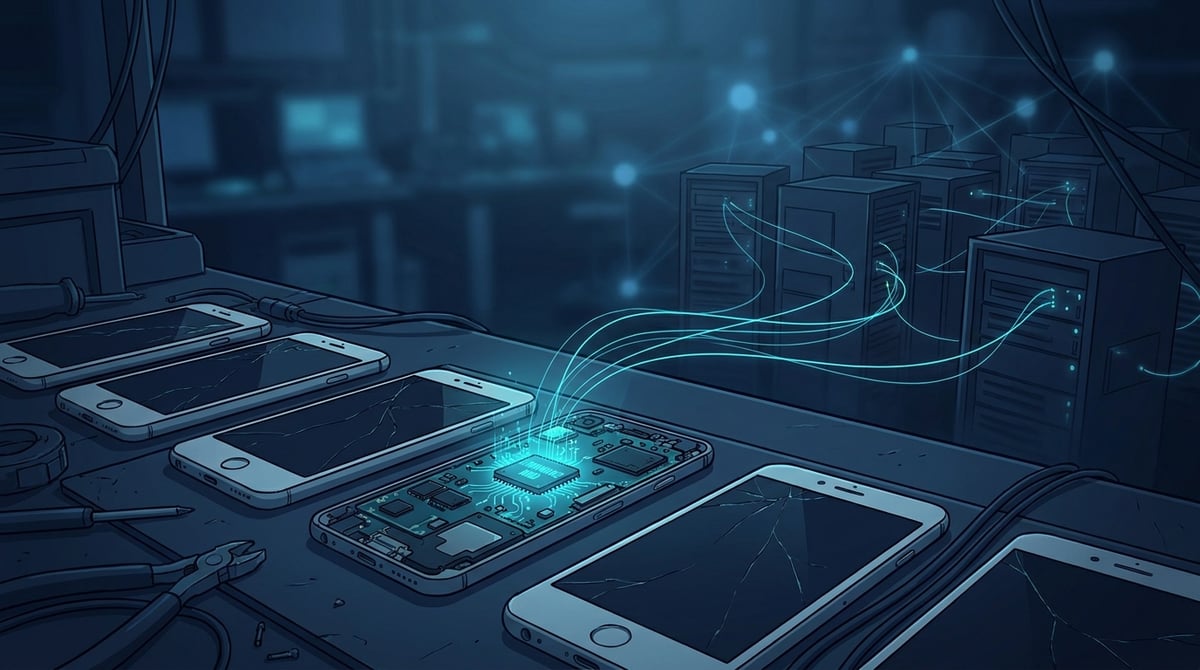
On October 8, 2026, Bitdefender Labs published an analysis of the Midnight Mimosa campaign: cheap Android smartphones powered by MediaTek chips are rolling off the assembly line with malicious code embedded directly in the system firmware. The code displays invisible ads, installs and removes applications without consent, and one of its modules registers the phone with a network of residential proxies. Researchers counted thousands of infected devices across 150+ countries over approximately two years. The infection cannot be removed through standard means.
For the average consumer, this is a story about "don't buy suspiciously cheap Galaxy clones." For those who operate phone farms for multi-accounting, SMM, app testing, or homemade mobile proxies, the risk is more specific. Bulk purchasing of budget Android devices is exactly what creates such a farm. Below, we will analyze what was found, what it means for the farm, and how to check your devices.
What was found in Midnight Mimosa
The campaign was detected by Bitdefender's App Anomaly Detection system. It flagged the system application com.android.system.lite with the label "System," which quietly installed and removed other programs. It was later discovered that it is embedded in the firmware and signed with a platform certificate. Therefore, it has system-level permissions: installing and removing packages, granting permissions, and modifying protected settings.
The chain is structured in several stages:
- System bootloader (
com.android.system.liteand similar names:com.android.sys.prot,com.android.sys.gmsprot) with a native librarylibeasy.so. This library decrypts a hidden APK framework. - Hidden framework downloads plugins from the command server and executes remotely obtained code.
- Plugins are responsible for ad fraud, silent installation of "partner" applications, and embedded WebView.
- Cover applications: weather, app blocker, notes, text recognition. Bitdefender identified around 32 such programs.
Before each silent installation, the malware executes pm disable com.android.vending, effectively disabling Google Play, and then re-enables it. Researchers speculate that this prevents Play Protect from conducting checks, although this effect has not been confirmed. Some samples also spoof the installation source record, making the application appear as if it was downloaded from Google Play.
Money: invisible ads
The primary income comes from ad fraud. Ads are displayed in windows over other applications, even when the phone is idle. These windows are marked as protected, so screenshots or screen recordings do not capture them. The frequency of "clicks" is set by a remote configuration, and clicks are simulated programmatically. A fictitious "conversion" event is sent 60 seconds after the ad is displayed. Revenue goes to the cover applications, which have legitimate ad SDKs installed.
Proxy module: phone as an exit node
For our topic, the key application is com.mobile.applock.en, which calls itself "Locket." It has no interface or ads, and the only permissions it requests are internet access and network status. According to Bitdefender, it does the following:
- opens a "raw" TCP connection to the command server on port 6000;
- sends a device fingerprint: model, Android version, SDK, build ID, and brand;
- receives a list of addresses from the server in the format "host, port" and a polling interval;
- builds a tunnel to each address and forwards foreign traffic in both directions.
In other words, someone else is using your IP and SIM card to access the internet. A fair disclaimer: Bitdefender confirmed that the infrastructure accepts registration of phones. However, a freshly registered test device did not receive any relay tasks, and the command server that was seen live was later reclassified as a sinkhole. Active traffic forwarding has not yet been proven. However, the mechanism is ready, and it can be activated with a single command from the server.
Which devices are at risk
- Chipset: MediaTek.
- Named models: Doogee S200 X and Cubot KINGKONG X. The owner of Cubot described a hidden package
com.android.sys.*on the XDA forum that reappeared after deletion. According to one report, an official firmware update restored the malware. - Flagship clones: firmware includes names like S25 Ultra, S26 Ultra, S24 Ultra, i17 Pro Max, and similar. These are cheap clones of Samsung and Apple devices, prevalent on marketplaces like AliExpress.
- Geography: the highest number of infections is in Mexico, France, and Italy, followed by the USA, Germany, Brazil, Spain, and then a long tail across Africa, Southeast Asia, and the Middle East.
Some firmware is signed with the certificate CN=ZED, L=ShenZhen, which is linked to Shenzhen Zediel. Researchers explicitly state that this does not prove the company's involvement. It is unknown who and at what stage of the supply chain altered the firmware. According to Spanish-language media, Doogee and Cubot have already released patches but did not explain how the code ended up in the firmware.
Separately, Bitdefender found 13 applications in Google Play with the same ad code. They connect to the same infrastructure but do not have system-level permissions. They were published under at least two developer accounts, fivedev and CPS Developer.
Why this is a problem specifically for phone farms
This is not the first such case. Similar chains have previously been found in car stereos with compromised updaters and Android set-top boxes. Now, the list includes ordinary smartphones, which are precisely what are purchased in bulk. What does this threaten:
- Foreign traffic on your IP. If the proxy module starts forwarding traffic, your mobile IP will appear in the logs of websites alongside spam, password cracking, and scraping. Anti-fraud systems evaluate the reputation of the address, and accounts on the farm will start facing checks and bans without apparent reason.
- Increased data and battery consumption. Invisible ads and tunnels consume mobile data and battery life. For a farm with dozens of devices, this adds up to significant costs.
- Linked accounts. The malware installs applications and collects device fingerprints upon command. In a farm where each phone should appear as a separate individual, extra software with a shared command server creates unnecessary connections between devices.
- Access to SMS and special features. The system module requests permissions for Accessibility, access to notifications, and SMS, and may grant these to itself. During analysis, their usage was not detected, but on a phone that receives confirmation codes for work accounts, such permissions are dangerous.
- Resetting does not help. The component resides in the system partition, so a factory reset returns the phone to the same infected state.
How to check your phones: checklist
Bitdefender recommends focusing not on package names but on stable cores (libeasy.so, cn.kw.lib.hex, domain api.weatherlive.world) because names change. Without an antivirus scanner, this is challenging, but an initial screening via ADB takes about a minute per phone.
- Enable USB debugging and connect the phone to a computer with
adb. - Find suspicious system packages:
adb shell pm list packages -s | grep -E "system.lite|sys.prot|sys.gmsprot|sys.bcprot|sys.dts|weiapps|non.szcz"
A standard Android device does not contain such names. Any match is a reason to isolate the device. - Search for cover applications:
adb shell pm list packages | grep -E "applock|dmstudio.weather|dl.guard.lock|picturetranslate|appicon.diy" - Check the installation source of the suspicious package:
adb shell dumpsys package com.dmstudio.weather | grep -i installer
Ifcom.android.vendingis listed and you did not install the application, the record may have been spoofed. - Look at network connections. Port 6000 is indicated by the hexadecimal
:1770in the remote address column:adb shell cat /proc/net/tcp /proc/net/tcp6 | grep ":1770". If access to these files is restricted, check the connections on the farm's router. - Try to disable the component for the user:
adb shell pm disable-user --user 0 <package_name>. This is the very method via ADB that Bitdefender mentions. On some firmware, system packages cannot be disabled this way, and that is normal. This means the device needs to be flashed with an official clean firmware or taken out of operation. - Check the firmware with the manufacturer. If a patch has been released, apply it, and then repeat steps 2–5: according to reports from owners, updates sometimes restored the malware.
Network level: close the farm's exit
Even phones that appear clean should be kept behind a router with a whitelist. Allow only the ports and directions that your applications genuinely need: HTTPS to necessary sites and DNS to your resolver. Block everything else. Outgoing TCP to port 6000 and requests to domains from Bitdefender's report are not typical in normal farm operations; such attempts should be considered a sign of infection. Router logs over a day will show which device is "calling" where it shouldn't.
Future purchasing rules
- Do not buy a "flagship" at a budget price. An S26 Ultra for a fifth of the price is almost certainly a clone, and clones are mentioned most frequently in this report.
- Buy from official sellers and verify the model against the manufacturer's website. This reduces risk but does not guarantee safety: Doogee and Cubot sell officially as well.
- Check each new device before introducing it to the farm using the checklist above. Five minutes at the entrance is cheaper than dealing with bans across the entire farm later.
- Keep a registry: model, firmware version, date of check. When the next report about a specific model is released, you will know in a minute how many such devices you have.
What if the farm is needed for mobile IP
Many keep phones and modems solely for a clean mobile address for multi-accounting or scraping. Building your own setup gives complete control, and in the article about mobile proxies built by hand, we discussed the costs involved. But along with control, you take on the supply chain of hardware. Midnight Mimosa shows that verifying the firmware of a cheap device is nearly impossible. If you only need the phone as an internet access point, you might not need to hold any hardware at all and can opt for mobile proxies billed by the gigabyte: rotation and geo-switching can be configured without purchasing and flashing devices. For tasks where a mobile network is not essential, there are residential addresses.
Conclusion
Midnight Mimosa is not the first story about proxy modules in cheap Android hardware. In 2026, it was TV set-top boxes, car stereos, and now smartphones. There is a common lesson: if a device is suspiciously cheap, someone may have embedded a way to profit from it in the firmware, and one such method is to sell your IP for foreign traffic. For phone farms, this means three things: check each device upon entry, close unnecessary network exits for the farm, and realistically assess whether you need your own hardware for a mobile address.