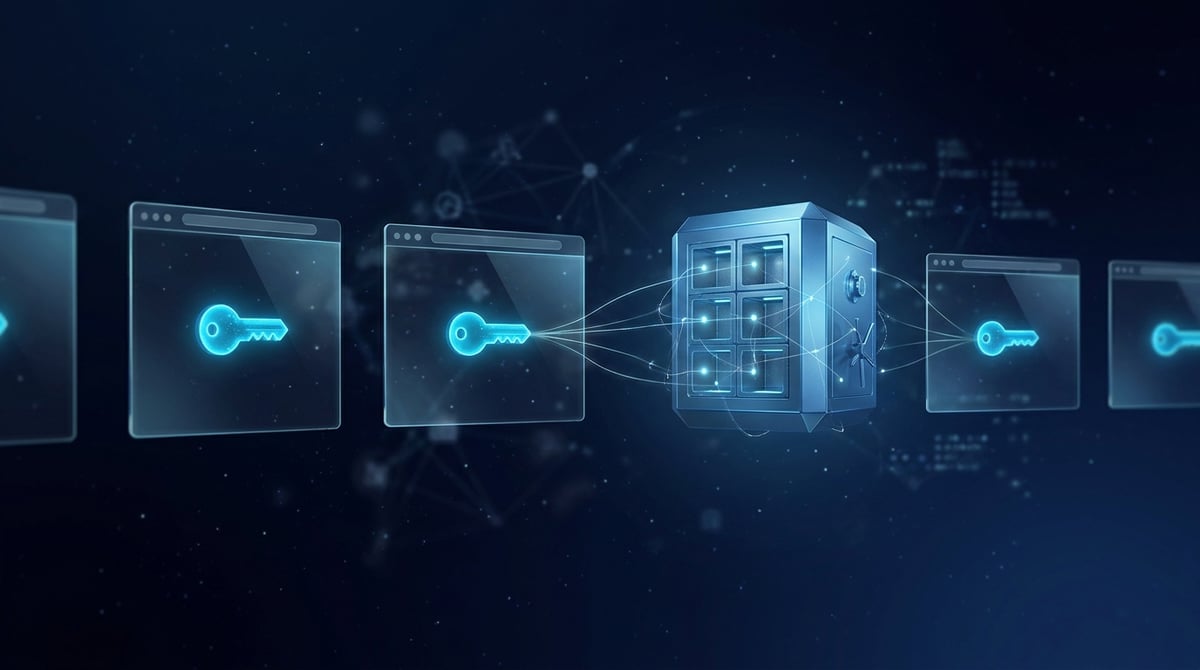
Starting from September 1, 2026, Microsoft began to include passkeys as the default login method in Entra ID, and from February 1, 2027, it will disable its own SMS and voice code delivery. Google made passkeys the primary login option for personal accounts back in October 2023. For an individual with a single account, this is convenient. However, for those managing dozens of accounts in anti-detect browsers, a passkey can easily become an unnoticed thread that links isolated profiles together. Below, we explore how this happens and how to establish a scheme in which keys do not "leak" between accounts.
Why the issue has arisen now
Passkeys have existed since 2022, but by 2026, they transitioned from "optional" to "mandatory." Three specific reasons:
- Microsoft Entra ID. Starting September 2026, users who verified their login via SMS or call will automatically have passkeys enabled: during the next MFA check, there will be an option to register a key. Until January 31, 2027, this can be postponed; from February 1, 2027, it cannot be skipped. Microsoft justifies this with its statistic: phishing campaigns using AI receive 54% of clicks compared to 12% for regular campaigns.
- Google. Since October 2023, the option "Skip password entry when possible" is enabled by default for personal accounts. If a key is created, Google will suggest logging in with it.
- Key transfer between managers. The FIDO Alliance has published the Credential Exchange standard (formats CXF and CXP). In iOS 26 and macOS 26, passkeys can be transferred between Apple Passwords, 1Password, Bitwarden, Dashlane, and other applications in an encrypted manner, without exporting a file. The key is no longer permanently tied to a single storage. For multi-accounting, this presents both an opportunity and a risk.
How a passkey works and why it breaks profile isolation
A passkey is a pair of cryptographic keys. The public key is stored by the website, while the private key is held by the "authenticator." The key is tied to a domain (in the specification, this is referred to as rpId), so a phishing site cannot obtain it. The main question for multi-accounting is where the private key is physically stored. Anti-detect browsers isolate cookies, localStorage, IndexedDB, and fingerprints. The key storage often exists outside the browser profile:
- Windows Hello stores keys at the Windows account level. Any browser and any profile under this account accesses the same storage.
- The iCloud keychain on macOS belongs to the Apple ID. Chrome and Safari on the same Mac see the same set of keys.
- Google Password Manager is tied to the Google account that the browser or phone is logged into. One service Google account across twenty profiles is essentially one shared vault.
- Manager extensions (Bitwarden, 1Password, and others) store keys in their account's vault. One vault for all profiles acts as a single point through which everything is visible.
This leads to a typical failure. You click "Log in with passkey" in account profile #7, but the system shows keys from accounts #3 and #12 on the same site. The site does not see this list: it only receives the selected key. However, one incorrect click can log account #3 in from the profile, IP, and fingerprint of account #7. Such a connection cannot be undone.
What the site actually learns when logging in with a passkey
A passkey does not eliminate risk scoring; it simply replaces a password. When logging in, the platform still sees the IP, browser fingerprint, and session history. Additionally, it receives several signals from WebAuthn:
- Key identifier (credential ID). It is unique to the "account - authenticator" pair.
- AAGUID — the authenticator model identifier. Websites like Google use it to sign the key in account settings: "created in iCloud Keychain," "in Google Password Manager," and so on. This is not a unique number for your device, but it is another characteristic that must match the profile's legend.
- BE and BS flags (backup eligibility and backup state) indicate whether the key is synchronized or tied to a device.
Conclusion: a "mobile" profile logging in with a key from Windows Hello appears just as illogical as an iPhone with a Brazil timezone and an IP from Germany. The key must match the same legend as the proxy and fingerprint.
Step-by-step scheme: one account — one profile — one storage — one IP
- Conduct an inventory. List the platforms where your accounts already have passkeys or have been prompted to create them: Google, Microsoft, major marketplaces, and social networks. In the security settings of each account, you can see how many keys are registered and where they were created. Any unexpected entries like "Windows Hello" and "iCloud Keychain" are candidates for deletion.
- Disable system key storage for work profiles. In the browser where profiles operate, turn off password and passkey saving in the built-in manager. On the work machine, do not create keys in Windows Hello or the iCloud keychain. If the key creation window suggests "this computer," choose another method.
- Select storage for each account. The rule is simple: the storage must be separated just like the profiles. Options include:
- a separate password manager vault for each account or for a group of accounts belonging to the same client;
- a hardware key (FIDO2) for a few of the most valuable accounts;
- for automation — a software authenticator, which will be discussed in step 6.
- Register the key only from the "native" profile. The same profile, the same fingerprint, the same proxy with a secured session, the same geo as during the normal operation of the account. Registering a key is a sensitive action, and platforms scrutinize it closely. Changing the IP in the middle of the process often leads to additional verification. We discussed how to maintain a single address for a profile in the article sticky session or rotation for anti-detect profiles.
- Leave a backup login method. A lost storage means a lost account. Each account needs a second login method: a second passkey in another storage, a password with TOTP, or recovery codes stored separately from the key. Microsoft in Entra explicitly requires users to transition to phishing-resistant methods by February 2027. Do not wait until the registration window can no longer be closed.
- In automation, use a virtual authenticator. The Chrome DevTools Protocol has a WebAuthn domain. The method
addVirtualAuthenticatorcreates a software authenticator with the ctap2 protocol andinternal(platform) orusb/hybridtransport. The parametershasResidentKeyandhasUserVerificationenable key storage on the authenticator and user verification.getCredentialsafter registration returns the key in its entirety: credentialId, rpId, userHandle, signCount, and the private key in PKCS#8 format.addCredentialon the next run puts it back. This results in a key that lives only in your secret storage and connects to the session of a specific account. Two caveats: the domain is marked as experimental and created for testing WebAuthn, and the exported private key is a password-level secret, so it must be stored accordingly. - Transfer keys via Credential Exchange, not manually. If you are changing managers or distributing accounts across different storages, use the built-in export according to the FIDO standard: it is supported in Apple Passwords, 1Password, Bitwarden, Dashlane, DuckDuckGo, Devolutions. Note that on macOS, some applications have not yet implemented this mechanism.
Pitfalls
- Default synchronization. A key created "on this device" may immediately go to the iCloud or Google cloud and appear on all devices of that account, including your personal phone.
- Cross-device login via QR. The scenario "scan the QR code with your phone" (hybrid transport) connects a real phone with its keys to the profile session. For work profiles, this is an unnecessary connection.
- The same AAGUID across the entire farm is normal. Millions of people use the same manager. The danger lies not in the identical provider, but in a shared key or shared storage.
- Passkey does not fix "dirty" logins. If an account logs in with an IP that has already been flagged on neighboring accounts or from a data center that the platform dislikes, strong cryptography will not help. The risk is assessed based on a combination of signals.
- The second factor also needs to be isolated. If the backup login is TOTP, the secrets are also distributed across accounts, rather than stored in one application on a personal phone. We discussed how to link 2FA and proxies in the article on two-factor authentication in proxy work.
What kind of proxy is needed and why
For logging in with a key, consistency is most important: the account must register the key and then log in from the same network, in the same geo. Therefore:
- Web profiles in anti-detect — residential proxies with a secured session in the account's country. These are addresses from home providers, aligning with the legend of "ordinary user at home."
- Mobile platforms and accounts with a mobile legend — mobile proxies. A mobile profile that registers a key from a home network on the other side of the country deviates from its history.
- Rotation on every request is suitable for scraping but not for logging into accounts. Set an interval that allows for the entire work session.
Conclusion
Passkeys make login resistant to phishing, but they shift the point of connection between accounts from cookies and passwords to key storage. This point often exists outside the anti-detect profile: in Windows Hello, iCloud, Google account, or the shared storage of a manager. The working scheme looks like this: each account has its profile, its key storage, its permanent IP, and a backup login method. For automation, there is a virtual authenticator in CDP. Address this before February 2027, when Microsoft will stop allowing the registration to be postponed. After that, you will have to deal with it in a rush and directly on live accounts.