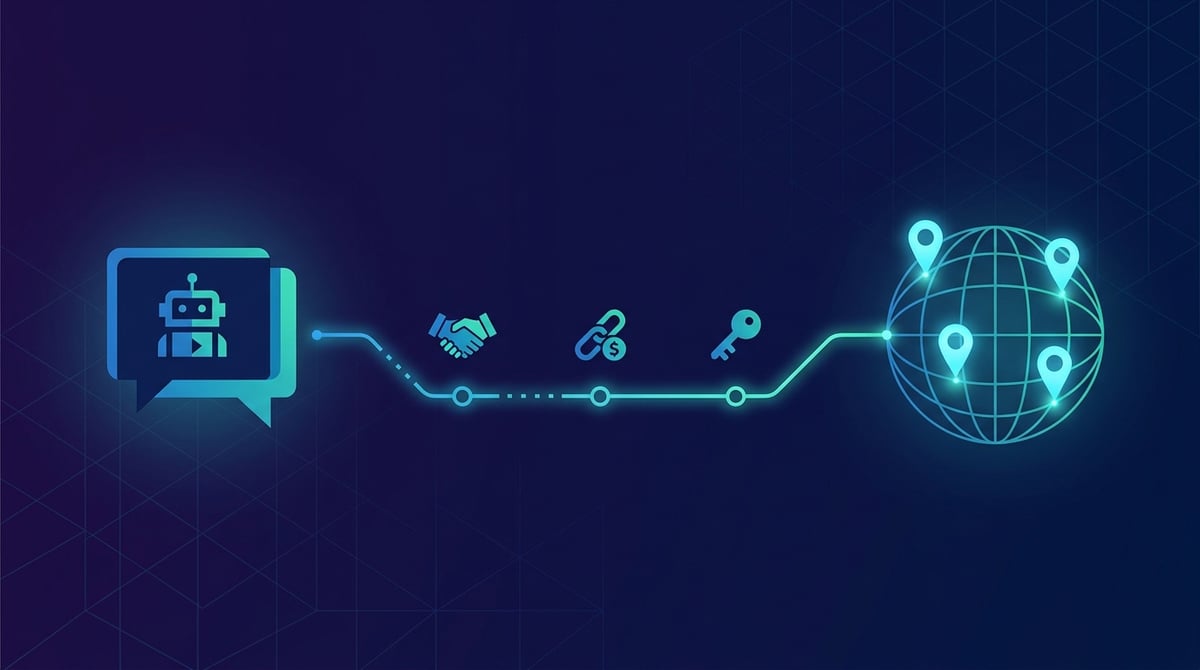
Buying proxies used to be the same experience everywhere: a registration form, email confirmation, a personal dashboard, selecting a plan, making a payment, opening a port list page, and manually copying the username and password into your script. It always took five to ten minutes of manual labor. With the advent of the MCP protocol, this entire process shrinks down to a single phrase in a chat with an AI agent: "buy me a gigabyte of residential proxies in Germany." Here is a breakdown of how it works, what needs to be configured once, and where the boundaries lie—what the agent can actually do on its own and what it fundamentally cannot.
What is MCP and why it changes how you buy proxies
MCP (Model Context Protocol) is an open protocol that allows an AI agent to connect to an external service and receive a list of actions it can perform. To the agent, this is not a website that requires "clicking," but rather a set of clear operations with descriptions: checking prices, creating an account, generating an invoice, buying proxies, and returning connection details.
The fundamental difference from a standard API is that the agent does not need documentation or a mediating developer. It reads the tool descriptions upon connection, selects the right tool for the task on its own, and fills in the parameters automatically. The human only needs to phrase the task in plain language and click the payment button once.
ProxyCove serves its MCP server at a single address — https://mcp.proxycove.com/mcp. There is nothing to install: it is a remote server operating over HTTP, not an application running on your computer.
Connecting with a single command
Below are ready-to-use snippets for common clients. You can omit keys like pc_live_… entirely: without them, the agent can still see prices and countries, and can create an account before retrieving the key itself.
Claude Code — via a single terminal command:
claude mcp add --transport http proxycove https://mcp.proxycove.com/mcp
Claude Desktop and Claude.ai:
Settings → Connectors → Add custom connector → paste the address https://mcp.proxycove.com/mcp. The client will handle OAuth login automatically: a consent page will open allowing you to create an account with a single button or sign into an existing one.
Cursor — file .cursor/mcp.json:
{
  "mcpServers": {
    "proxycove": {
      "url": "https://mcp.proxycove.com/mcp",
      "headers": { "Authorization": "Bearer pc_live_YOUR_KEY" }
    }
  }
}
OpenAI Codex CLI — ~/.codex/config.toml:
[mcp_servers.proxycove]
url = "https://mcp.proxycove.com/mcp"
http_headers = { "Authorization" = "Bearer pc_live_YOUR_KEY" }
In ChatGPT, the address is added under developer mode: Settings → Apps & Connectors → Developer mode → Create. Windsurf, VS Code, and other clients accept the exact same JSON format as Cursor.
Full workflow: from a phrase to a working proxy
Here is what the entire purchasing process looks like if you do not have an account yet. Everything below is handled by the agent—except for one step that requires a human.
- "How much do residential proxies cost?" — the agent calls
get_pricingand replies: residential $2.7/GB, mobile $3.8/GB, datacenter $1.5/GB. Traffic is prepaid and never expires. - "Create an account for me" —
create_accountgenerates a profile and returns apc_live_…key. No email, no password, no confirmation links. - "Top up $10 via SBP" —
create_topupreturns a payment link. A human is needed here: the agent provides the link, and you pay in your own browser. Nobody asks for your card details, and the agent never sees them. - Waiting for payment — the agent polls
get_payment_statusuntil the invoice is marked as paid. - "Buy 5 GB of residential proxies in Germany, rotating every 10 minutes" —
buy_proxyis called with parameters type=residential, country=de, traffic_gb=5, and a 10-minute rotation interval. - Connection details —
get_credentialsreturns the username and password. The connection string looks like this:http://LOGIN:[email protected]:824
From there, the agent can immediately paste these credentials into your script, parser configuration, or project environment variables—it already holds them in context. This is the primary efficiency gain: instead of a human manually copying a string from a dashboard into code, the agent completes the task in a single fluid motion.
The minimum top-up is $1.5. This is intentional: the agent does not need to ask you for a large sum "just to test." You can start with a single gigabyte, verify that everything works, and buy more later using extend_proxy.
What the agent can do: 14 operations
| Tool | Description |
|---|---|
get_pricing | Cost per gigabyte across proxy types |
list_locations | Available countries for the selected proxy type |
create_account | Create an account and obtain an API key |
get_account | Account balance and status |
create_topup | Payment link: SBP, domestic and international cards, crypto |
get_payment_status | Check if an invoice has been paid |
buy_proxy | Purchase a proxy: type, country, traffic volume, rotation |
list_proxies | List of purchased proxies |
get_credentials | Username, password, and connection string |
extend_proxy | Add more traffic to an existing proxy |
get_usage | Amount of traffic consumed |
set_rotation | IP rotation per request or every N minutes |
link_telegram | Link account to the Telegram bot |
attach_recovery | Add a recovery email for account access |
Rotation can be configured either per request or at intervals ranging from 1 to 120 minutes—commonly referred to as a sticky session. Purchase volumes range from 1 to 1,000 GB at a time.
Why registration is truly unnecessary
Formally speaking, an account is indeed created—otherwise, there would be nowhere to store your balance and purchased proxies. However, the agent creates it via a create_account call requiring zero input: no email, no password, no captchas, and no confirmation links. An API key is returned, and that key is the sole link between you and your account.
Practical consequence: you must save the key. If it is lost and no email or Telegram account has been linked, recovering access to your balance will be impossible. This is why the workflow outlined above includes two optional yet useful steps—attach_recovery (adding an email) and link_telegram. You can ask the agent to execute both in a single sentence immediately after purchase.
If you are already our client, there is no need to create a second account: simply generate a key in your dashboard under the "API and MCP" section and insert it into the Authorization header. The agent will work directly with your existing balance and proxies.
Boundaries: what the agent cannot do
This is an important section, and we do not hide it in footnotes.
- It cannot pay for you. The agent only receives a payment link. Payment details are entered by you, in your browser, on the payment gateway's side. You should never ask an agent for your card number—if any service asks for this, consider it a red flag.
- It cannot spend more than your available balance. Purchases are deducted from your prepaid balance; there is no overdraft. The amount an agent can spend is strictly limited to what you have deposited.
- It cannot see your payment credentials—neither your card number nor your wallet details. They simply do not exist within the API.
- Access can be revoked with a single click. API keys (including those issued via OAuth) can be revoked instantly in your dashboard under the "API and MCP" section. Once revoked, the agent loses access immediately.
If you do not need an agent: the same API via HTTP
MCP is simply a wrapper around a standard REST API, meaning you can interact with it directly from your own code. The base URL is https://proxycove.com/api/v1, with authorization passed via the Authorization: Bearer pc_live_… header. Pricing and country lists are accessible even without an API key:
curl https://proxycove.com/api/v1/pricing

curl -X POST https://proxycove.com/api/v1/proxies \
  -H "Authorization: Bearer pc_live_YOUR_KEY" \
  -H "Content-Type: application/json" \
  -d '{"type":"residential","country":"de","traffic_gb":5,
       "rotation":{"interval_minutes":10}}'
Full method descriptions, error codes, and the OpenAPI specification can be found on the ProxyCove API page. Instructions on connecting agents and sample prompts are available on the ProxyCove for AI Agents page.
Frequently Asked Questions
Do I need to install anything?
No. It is a remote server running over HTTP: you simply add the address to your client's settings, and you are done. No packages, local processes, or Node.js required on your machine.
Everyone uses the same address—is that safe?
Yes, this is how remote MCP servers are designed to work. Isolation is enforced not by the address, but by the API key: every request executes on behalf of the account whose key is provided in the header. Other users' proxies and balances remain completely inaccessible with your key.
What should I do if the agent says "insufficient funds"?
Check your balance using get_account. If funds are available but the purchase fails, it is usually due to the country code format: it must be a two-letter ISO 3166 code (de, us, br). The agent can retrieve the list of available countries via list_locations.
Does traffic expire?
No. Purchased traffic remains on your account until you consume it. This is ideal for irregular tasks: buy 5 GB for a one-off scraping job, and the remainder will patiently wait for next time.
Can I top up from Russia?
Yes, via SBP, Russian bank cards, and cryptocurrency. International cards are supported through a separate method. The agent will select the appropriate option based on your phrasing—just say "via SBP" or "with an international card."
In Short
Connecting the ProxyCove MCP server takes a single string of text configured just once. After that, purchasing, renewing, changing rotation, and retrieving connection credentials become part of a normal conversation with your agent rather than a separate trip to a dashboard. Humans remain in precisely one necessary place—where payment is required, which is as it should be: finances must always stay under human control.
If you prefer not to use an agent, nothing changes: residential proxies, mobile proxies, and datacenter proxies can still be purchased directly through your dashboard the traditional way.